
DESCRIBE YOUR SCENE
Tell us what you want to happen
No technical filmmaking terms needed
Start a new scene? Your current draft will be replaced.
CHOOSE YOUR FORMAT
Select the aspect ratio and video length
ASPECT RATIO
VIDEO LENGTH
Shorter videos are easier to control. Longer videos give more room for storytelling.
SCENE and FORMAT are ready. CHARACTERS is the next section to be built.
CHOOSE YOUR CHARACTER
Choose how characters should be handled in your film
CHARACTER NAMES
AUTOMATIC CHARACTER CREATION
Your CINSEED output will instruct your AI assistant to create characters that fit your scene, genre, era and location.
This step is skipped. Characters mentioned in your scene are preserved; no additional characters will be added.
Characters saved. OBJECTS is the next section to be built.
CHOOSE YOUR OBJECTS
Choose how objects should be handled in your film
OBJECT NAMES
AUTOMATIC OBJECT CREATION
Your CINSEED output will instruct your AI assistant to create objects that fit your scene, genre, era and location.
This step is skipped. Objects mentioned in your scene are preserved without additional details.
Objects saved. LOCATION is the next section to be built.
CHOOSE YOUR LOCATIONS
Choose how locations should be handled in your film
LOCATION NAMES
AUTOMATIC LOCATION CREATION
Your CINSEED output will instruct your AI assistant to create locations that fit your scene, genre and era.
Locations saved. GENRE & ERA is the next section to be built.
CHOOSE YOUR GENRE & ERA
Set the tone and time period of your film
GENRE
ERA
Era influences clothing, props, architecture, vehicles and technology.
Genre and era saved. LENS is the next section to be built.
CHOOSE YOUR LENS
Choose the look and perspective of your scene
Lens saved. COLOR is the next section to be built.
CHOOSE YOUR COLOR
Choose the color style of your scene
COLOR
Color saved. LIGHTING is the next section to be built.
CHOOSE YOUR LIGHTING
Choose the lighting style of your scene
LIGHTING
Lighting saved. CAMERA is the next section to be built.
CHOOSE YOUR CAMERA
Choose the viewpoint and movement of your camera
CAMERA POSITION
CAMERA MOVEMENT
Camera saved. SOUND is the next section to be built.
CHOOSE YOUR SOUND
Choose AUTO, or select sound effects, music, or both.
Leave selected fields blank for automatic suggestions based on your scene.
Sound saved. TIMELINE is the next section to be built.
PLAN YOUR SEQUENCE
Choose when each shot changes
SINGLE SHOT uses one uninterrupted shot for the full video length.
Your AI assistant will choose the number and length of shots based on your scene.
YOUR TIMELINE
Timeline saved. SCALE is the next section to be built.
SET YOUR PRODUCTION SCALE
Choose how your entire film should feel
PRODUCTION SCALE
Applies the selected filmmaking style to every shot.
Scale saved. GENERATE and RESULT are the next section to be built.
RESULT
Copy this brief into ChatGPT, Claude, or another AI assistant to create your video prompt.
YOUR FIRST STEP
FROM IDEA TO FILM.
Turn your idea into a clear filmmaking plan.
Step by step. With visual examples.
GREAT TOOLS NEED CLEAR DIRECTION.
AI video generators can create stunning visuals. AI assistants can write powerful prompts.
But knowing what to ask for makes the difference.
If you’re new to filmmaking, choosing the right camera angle, lighting or visual style
can feel overwhelming.
CINSEED helps you build a stronger foundation — even before you know the terminology.
HOW IT WORKS
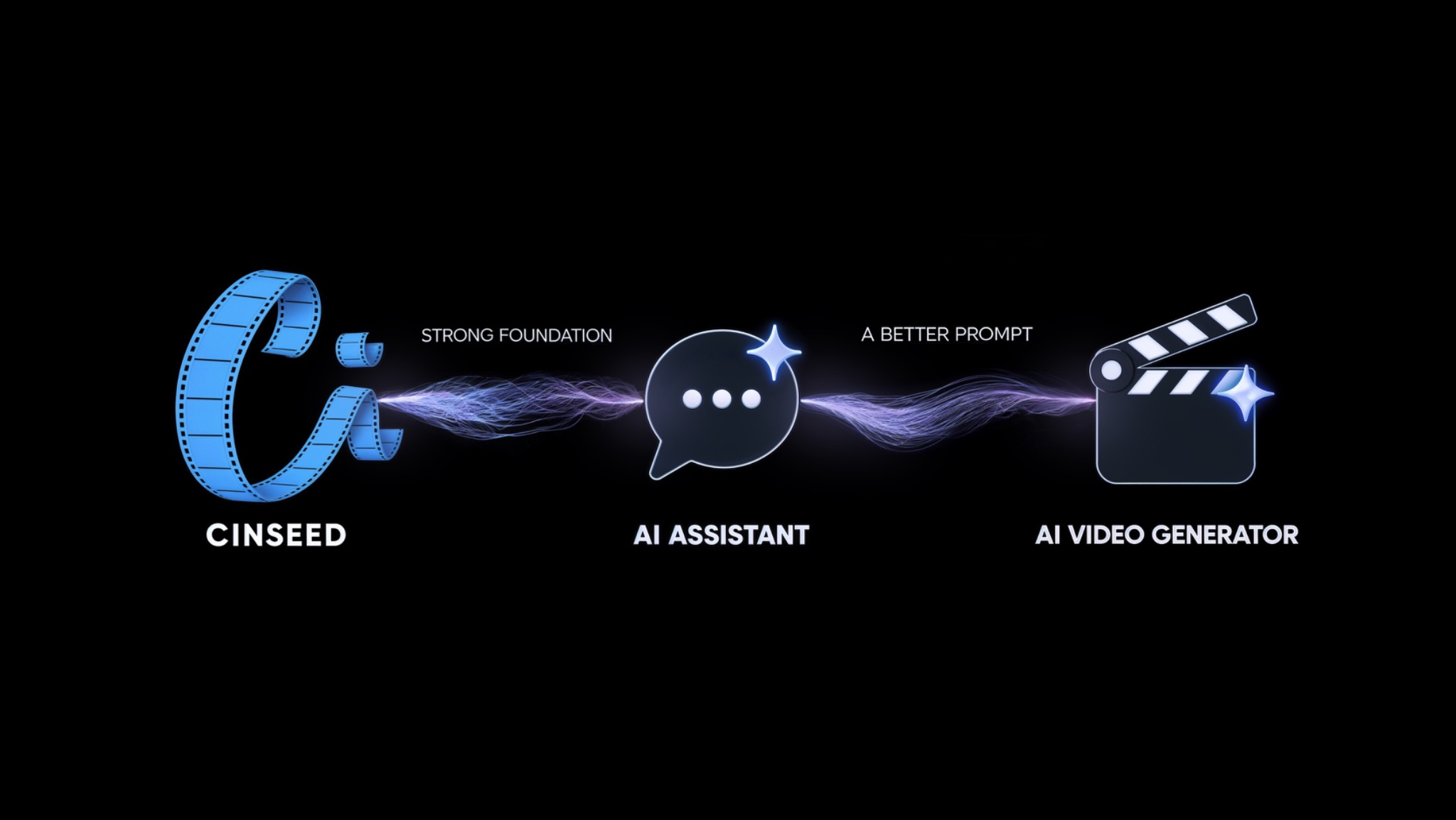
1. SHAPE YOUR IDEA
Choose your scene, characters or objects, location and visual style. CINSEED guides you through the filmmaking basics with visual examples and turns your choices into a structured brief.
2. CREATE YOUR PROMPT
Copy your CINSEED result into your preferred AI assistant to turn that brief into a detailed video prompt.
3. BRING IT TO LIFE
Take your prompt to your AI video generator and start creating.
SAVE TIME.
SAVE CREDITS.
SAVE MONEY.
A clearer plan can mean fewer unnecessary generations,
less trial and error, and more time for your ideas.
YOUR FILM STARTS WITH AN IDEA.
GIVE IT A STRONG FOUNDATION.
LOG IN TO YOUR ACCOUNT
You can use the Builder without an account.
PROFILE
Check your spam folder too.
Your browser could not save this draft. Keep this page open to preserve your work.